HOW TO REQUEST YOUR TRANSCRIPT
You may request a transcript via your MySt.Clair account. Enter the email address you want to use as your MyCreds login. This email account must belong to the student. Through the MyCreds portal you will have the opportunity to share/send your transcripts. Students wishing to send/share their official transcripts will be charged $10.00 per share through the MyCreds platform.
Former Students & Alumni:
If you do not have access to your MySt.Clair account, please submit the Transcript Request Form in the SCC - Registrar's Office Support Centre or hand it in person at any St. Clair College Registrar’s Office.
The - SCC Registrar's Office Support Centre is located at https://rosupport.stclaircollege.ca
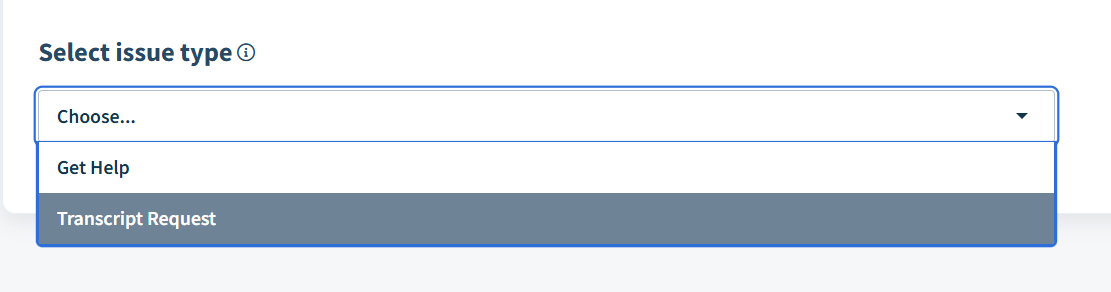
Click Submit a ticket then choose Transcript Request - 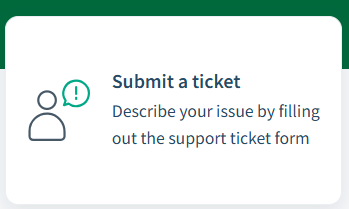
Was this article helpful?
That’s Great!
Thank you for your feedback
Sorry! We couldn't be helpful
Thank you for your feedback
Feedback sent
We appreciate your effort and will try to fix the article